Raise the Biggest Family is easiest to learn when you treat each new child as part of a managed household, not as a one-time unlock. Start by adopting one Baby, bring them to your House, complete the care actions they need, and protect enough Coins for the next adoption. Your first-session target is a stable home with basic care facilities, a repeatable way to collect income, and a clear plan for the next available Family Capacity slot.

The exact adoption fees, house prices, growth timers, and reward amounts can change or may not be shown consistently in public guides. Use the current numbers in your game panels when you make a purchase decision.
From Adoption Centre to a Ready House
The first goal is not to buy every item. It is to complete one full family setup: reach the Adoption Centre, pay the displayed fee, choose a Baby, take them home, and make the House usable for care. This gives you a working base for both progress and Coins; the adoption route guide covers the queue, Nursery, and take-home steps in detail.
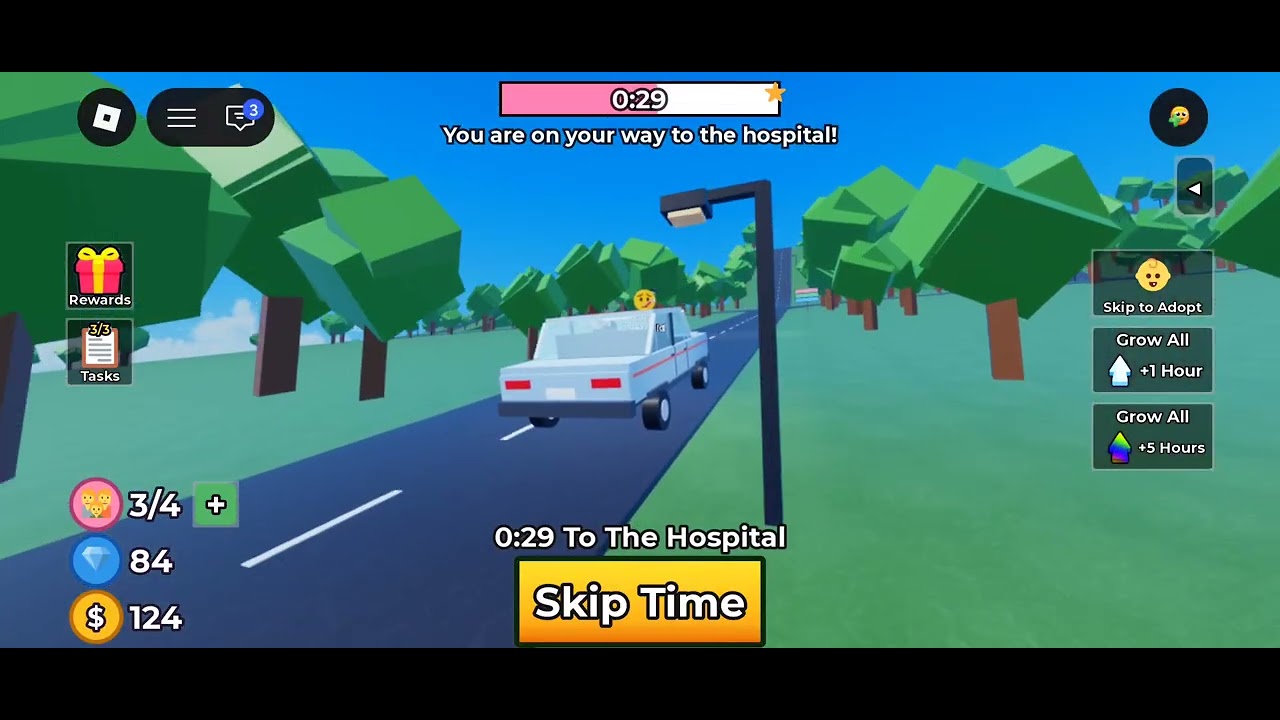
Before you leave the Adoption Centre, check your balance and the current adoption prompt. Later children cost more, so spending everything on optional furniture can delay expansion. After the adoption is complete, follow the staff or on-screen prompts to the nursery, choose the option to take the Baby home, and return by vehicle.
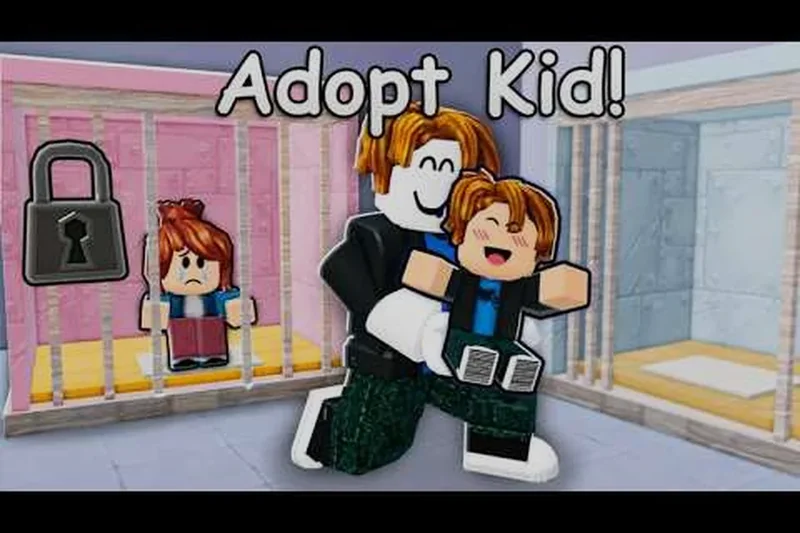
At the House, name and place the Baby, then make sure the basic care area is available. A Crib gives the child a place to sleep, while a Formula Station supports feeding. Other rooms and decorations can wait. If the game shows a task for an item, use that task to decide what to buy rather than shopping without a purpose; the essential items guide explains which facilities support the care loop.
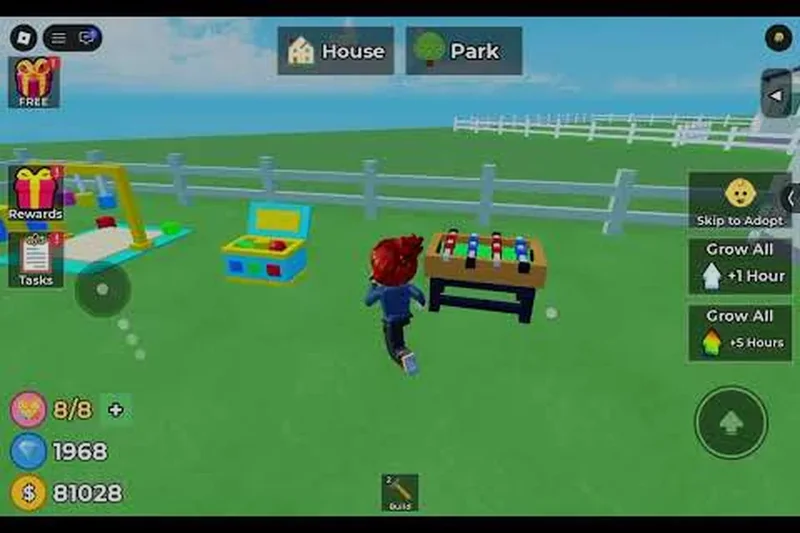
Your first-session checklist is:
- Adopt one Baby and confirm that the child is assigned to your family.
- Bring the Baby back to the House instead of leaving the adoption sequence unfinished.
- Place the child and prepare the basic care facilities the current home supports.
- Check Coins, hourly income, Daily Rewards, and available tasks.
- Keep a reserve for care needs and the next adoption before buying optional items.
Adopt a Baby and rebuild your Coins reserve
These moments support the first adoption route and the income-and-rewards check used to fund the next family expansion.

How Family Growth Moves Forward
The game follows a repeatable management cycle: adoption creates a new care responsibility; care actions and rewards provide progress and Coins; Coins pay for care items, future adoption fees, and eventually a larger House; House capacity determines whether another child can join the family; Growth then advances while you continue caring for the household.
Player calculator
Upgrade payback cycles calculator
Estimate how many farming cycles an upgrade needs to repay its cost.
Estimated result
- Expected payback cycles
- 4 cycles
Expected payback cycles = total purchase cost ÷ average net income per cycle.
Assumptions and sources
Assumptions
- The average net income remains stable from cycle to cycle.
- Purchase cost and net income use the same currency.
- The result is an estimate and does not account for interruptions or changing game values.
Sources
- https://raisethebiggestfamily.wiki/en/money/raise-the-biggest-family-grinding-money/ · reviewed 2026-11-02
This is a cycle rather than a single linear quest. A child does not simply become available and finish the game. You move between the Adoption Centre, the House, shops, and reward panels as the household changes. When a Baby needs attention, return home and complete the relevant action. When you have a free capacity slot and enough Coins, make the next adoption. When capacity is full, compare the current House with the available upgrade shown in-game.
Growth adds a waiting stage. Children can age while you are away, but the supplied material does not establish one universal timer or every stage requirement. Check the current growth display rather than promising that a child will age after a fixed number of minutes. During a wait, collect rewards, complete care tasks, and save for the next meaningful household purchase.
The capacity display is the key gate on expansion. The early demonstration shows a family at one of three children, while larger Houses are associated with additional room. Treat the number shown on your own House as authoritative: do not assume that every server, update, or house tier uses the same limit. When capacity blocks the next adoption, use the House capacity guide to plan the upgrade around your current in-game limit.
Follow a child’s Growth stage
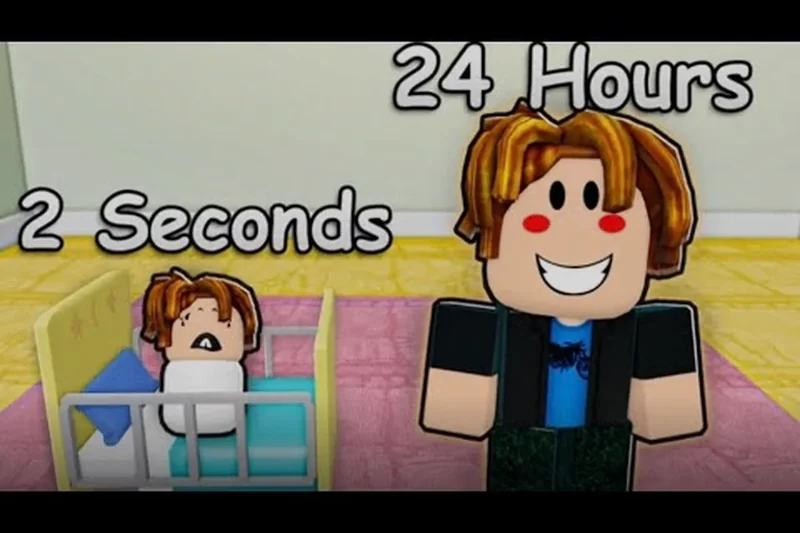
The linked moment illustrates children growing through age stages, supporting the Growth waiting guidance in this section.
The Systems That Matter in Your First Day
Use these systems in the order that keeps the family cared for and the budget flexible.
| System or object | What it affects | Beginner use |
|---|---|---|
| Adoption Centre | Adds a Baby to the family | Check the fee, complete the queue and adoption prompts, then choose a Baby |
| Baby | Creates care needs and later Growth | Respond to feeding, comfort, play, holding, and dressing interactions |
| House | Provides the family base and capacity | Return here to place children, perform care, and manage facilities |
| Family Capacity | Limits how many children the current House can hold | Read the current slot count before paying for another adoption |
| Coins | Pays adoption fees, facilities, furniture, toys, and outfits | Collect available rewards and reserve funds before optional spending |
| Care Tasks | Connects daily actions with progress and possible task rewards | Follow the visible task that matches the Baby's current need |
| Growth | Moves children into later age stages | Keep caring for the household while the current growth display advances |
| Facilities | Make feeding, sleeping, storage, and nursery care possible | Prioritize a Crib and Formula Station before decoration |
Shops are useful, but they are a lower priority than an adoption reserve and basic care. They can provide toys, clothing, furniture, and other family items. Daily Rewards and hourly income supplement Coins, while tasks can add progress and may award an item such as a Golden Teddy. Reward values and effects can vary, so use the current reward panel rather than assuming a specific payout.
The Formula Station also changes how you schedule care. Preparing a bottle can involve a wait, so start it before travelling to a shop or checking another task. Do not interpret that wait as a reason to abandon the Baby; it is a prompt to arrange the next action around the station's current status.
Your First Family Run
Follow this sequence until the first Baby is home, cared for, and your next decision is clear.
- Check your starting position and balance. Identify the route to the Adoption Centre and read your available Coins. Keep the displayed adoption fee as the first spending target; do not assume the next fee will match it.
- Travel to the Adoption Centre. Use your vehicle to reach the centre and join the adoption process. If a queue-skip purchase appears, treat it as optional: it may not complete successfully, so the normal queue is the reliable route.
- Finish the adoption prompts. Pay the fee shown by the current game, wait for the staff call or next prompt, and select a Baby when the nursery choice appears. Confirm that the adoption has actually added the child before leaving.
- Choose the take-home option. Follow the staff or nursery interaction and select the option that sends the Baby home with you. If the child is not following or assigned, resolve that prompt before driving away.
- Return to the House and place the Baby. Use the vehicle to return, name the child when asked, and place them in the household. This is the first checkpoint: the Baby should appear in the family and the House should show the remaining capacity.
- Prepare the minimum care setup. Place or use a Crib and Formula Station if the House requires them. Put basic care ahead of decorative furniture. If a task names a different necessary item, buy only that item from the appropriate shop.
- Read the Baby's current need. Respond with the matching action: prepare and give a bottle for feeding, pick up or cuddle for comfort, play when play is requested, or change clothing when the task calls for it. Do not invent a fixed reward for an individual action; follow the task and its current feedback.
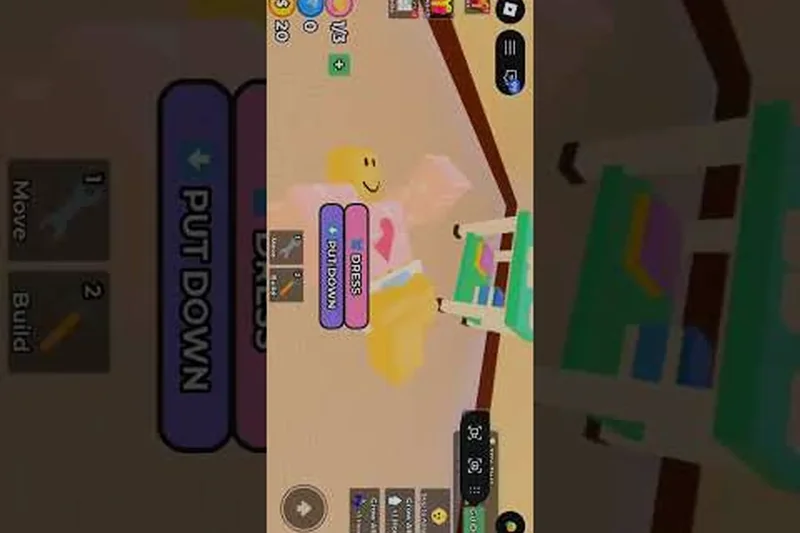 8. Collect available income and rewards. Check hourly Coins, Daily Rewards when available, and the task panel. Use the extra income to rebuild the adoption reserve rather than immediately filling the House with optional purchases.
9. Set the next decision. If capacity remains and the reserve covers the displayed next fee, save toward another adoption. If the House is full, inspect the current larger-House option and its live requirements. If Growth is waiting, continue care and return later rather than treating the timer as an instant unlock.
At the end of this run, you should know three live values: your remaining capacity, the current cost of the next adoption, and the care action or facility the household needs next. Those values are more useful than a fixed beginner route because they can vary as the game changes.
Priorities and Recovery When Plans Slip
Use this priority order whenever Coins or attention are limited:
- Keep the Baby safe and complete the current care need.
- Maintain the basic Crib, Formula Station, and any facility required by a visible task.
- Claim hourly and Daily Rewards, then complete practical care tasks.
- Reserve Coins for the next adoption or the House upgrade required by capacity.
- Buy task-relevant toys, clothing, or furniture.
- Decorate and make convenience purchases only after the household can sustain them.
Common mistakes have straightforward recoveries:
- You spend the adoption reserve in a shop. Stop optional purchases, claim every available reward, and complete care tasks until the balance reaches the current fee again. Do not use the old fee as your target if the next adoption panel shows a higher amount.
- The Baby is hungry while the Formula Station is busy. Start or finish the current preparation, then use the available feedback to find the next feeding interaction. Plan another task or reward check during the station's wait instead of buying a second station without a confirmed need.
- You cannot adopt another child. Read Family Capacity at the House. If no slot remains, save for the larger House shown by the current game; upgrade prices and capacity can vary by the current version.
- You leave the Adoption Centre before the child is assigned. Return to the last visible adoption or nursery prompt and confirm the Baby appears in the family before travelling home.
- Growth seems slow. Keep the child cared for, collect rewards, and check the growth panel after returning. Public records do not prove one fixed offline timer for every stage.
- A queue-skip option fails or does not complete. Use the normal queue and adoption flow rather than paying repeatedly for an uncertain shortcut.
The safest long-term habit is to expand only when the current House, care setup, and Coins balance can support the next child. That keeps the family growing without turning every adoption into a resource shortage.
Beginner Questions About Family Growth
What should I do first in Raise The Biggest Family?
Go to the Adoption Centre, complete the displayed adoption process, bring one Baby home, and prepare the basic care setup. Then collect available Coins and rewards before spending on optional furniture.
How do I get more children?
Adopt another Baby when the current House has an open Family Capacity slot and you can pay the fee shown in-game. When capacity is full, inspect the larger House option before trying to adopt again.
Do children grow while I am offline?
Children can grow while you are away, but one fixed timer does not apply to every age stage. Check the current Growth display after returning.
What should I spend Coins on first?
Keep enough for the next adoption, then cover basic care facilities and visible task requirements. Delay optional toys, outfits, furniture, and decorations until the household has a stable reserve.